What's new in Populations!
Last updated: February 3, 2026
Populations has been updated with a new layout, expanded navigation, and improved tools for managing people in your workspace! Below is an overview of what’s new and how to navigate the updated experience.
No core functionality has changed! We've updated the interface to make it more intuitive and easier to navigate.
Populations Sidebar
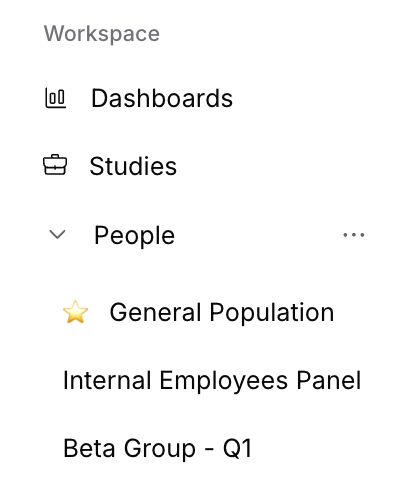
Expandable People Sidebar
The People sidebar can now be expanded to display all of your populations directly in the left navigation. This lets you see every population at a glance.
Favorite your Populations
Don’t worry, we won’t tell the others 🤫
You can now manually reorder your populations in the sidebar. To do so, hover over ‘People’, click the 3 dots (...) to the right, and select ‘Manage favorite populations’.
Some things to note:
Each user can set their own preferred order.
You can only pin 6 populations.
This makes it easier to prioritize the groups you use most frequently.
All People (formerly “Database”)
Database renamed to “All people”
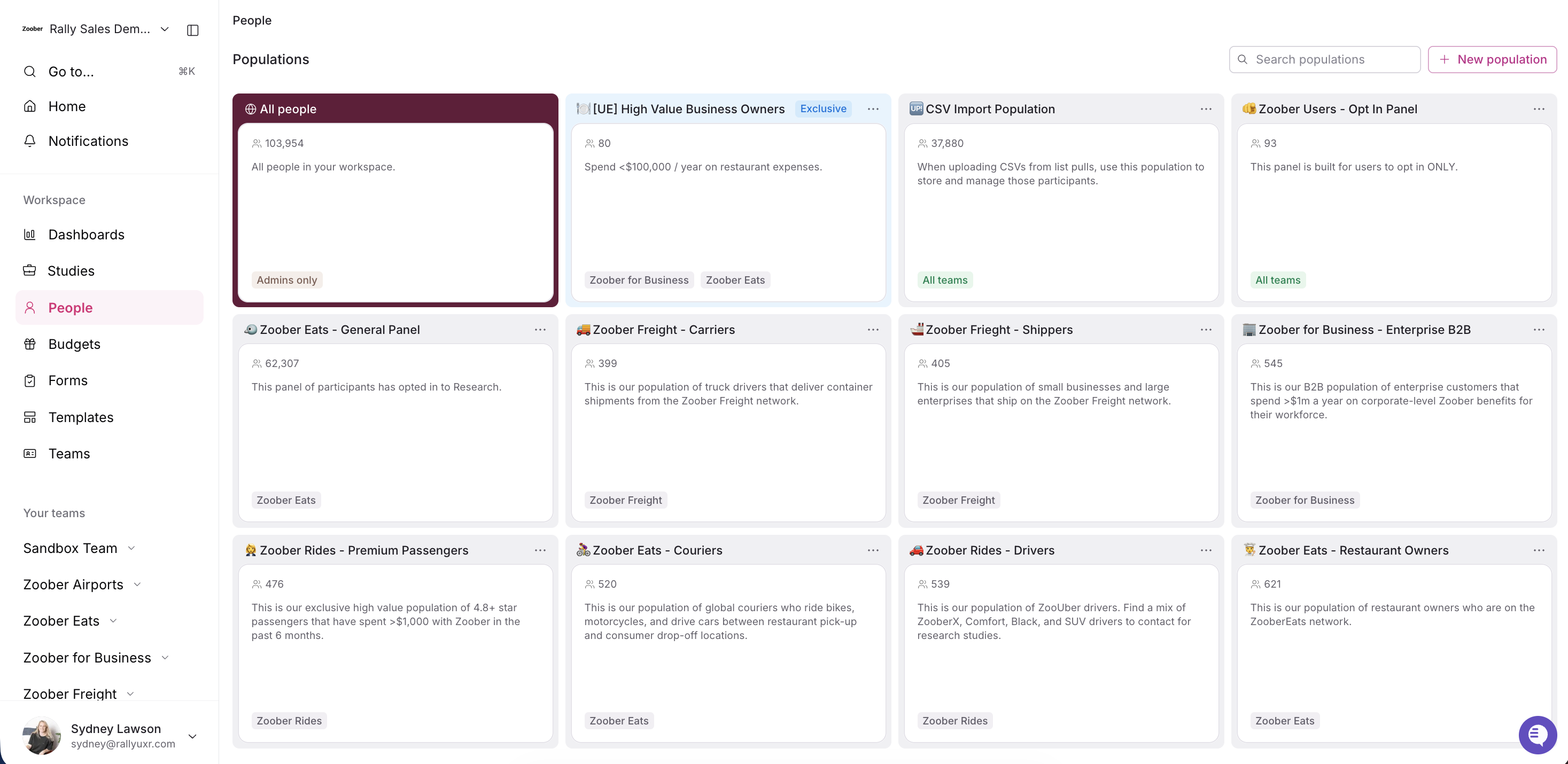
The Database view has been renamed to All people to better reflect its purpose. The All people directory has a refreshed look, although the core functionality hasn’t changed. You’ll still be able to browse, search, and filter all participants in your workspace.
Permission-Only Access
Permissions have had a slight name change to be better representative of the new All people directory.
Only users with “Access All People directory” can view the All People (formerly “Database” view).
Users with “Add participants to All People directory” can add people directly to your entire Rally database.
This ensures that full workspace-wide data is managed by the right people with the right permissions.

Populations
View all Populations at a glance
The People view has an updated visual design for improved readability and consistency with the rest of the new Populations experience. View what Teams have access to each Population, plus which Populations are exclusive, with new tags that display on each Population.
New Creation & Editing Flow
Creating or editing a Population, list, or segment, now opens a panel on the right side of your screen instead of navigating to a separate page. This allows you to stay oriented within the population you’re working on and reduces unnecessary page loads.
You’ll also see a new + button in the header of each population, which lets you quickly create a new list or segment directly within that population. When you do, the creation panel will open automatically.
Populations Overview tab
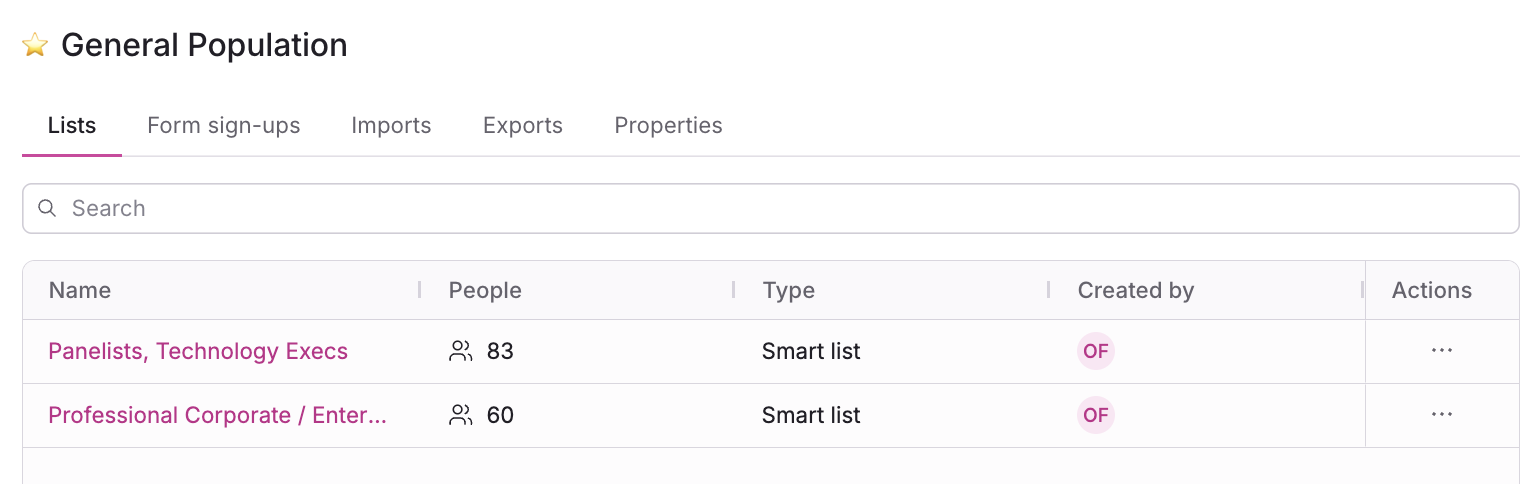
Each population now includes an Overview tab that consolidates important tables into a centralized place. This includes:
Lists
Segments
Form sign-ups
Imports
Exports
This provides a single home for the key resources and data associated with a given population.