Connected Accounts
Last updated: November 26, 2025
Connect the tools you use daily to unlock the full potential of Rally within minutes - so you can send emails, schedule interviews, automatically create video meeting links, and receive slack notifications for updates to your studies.
Connected Accounts
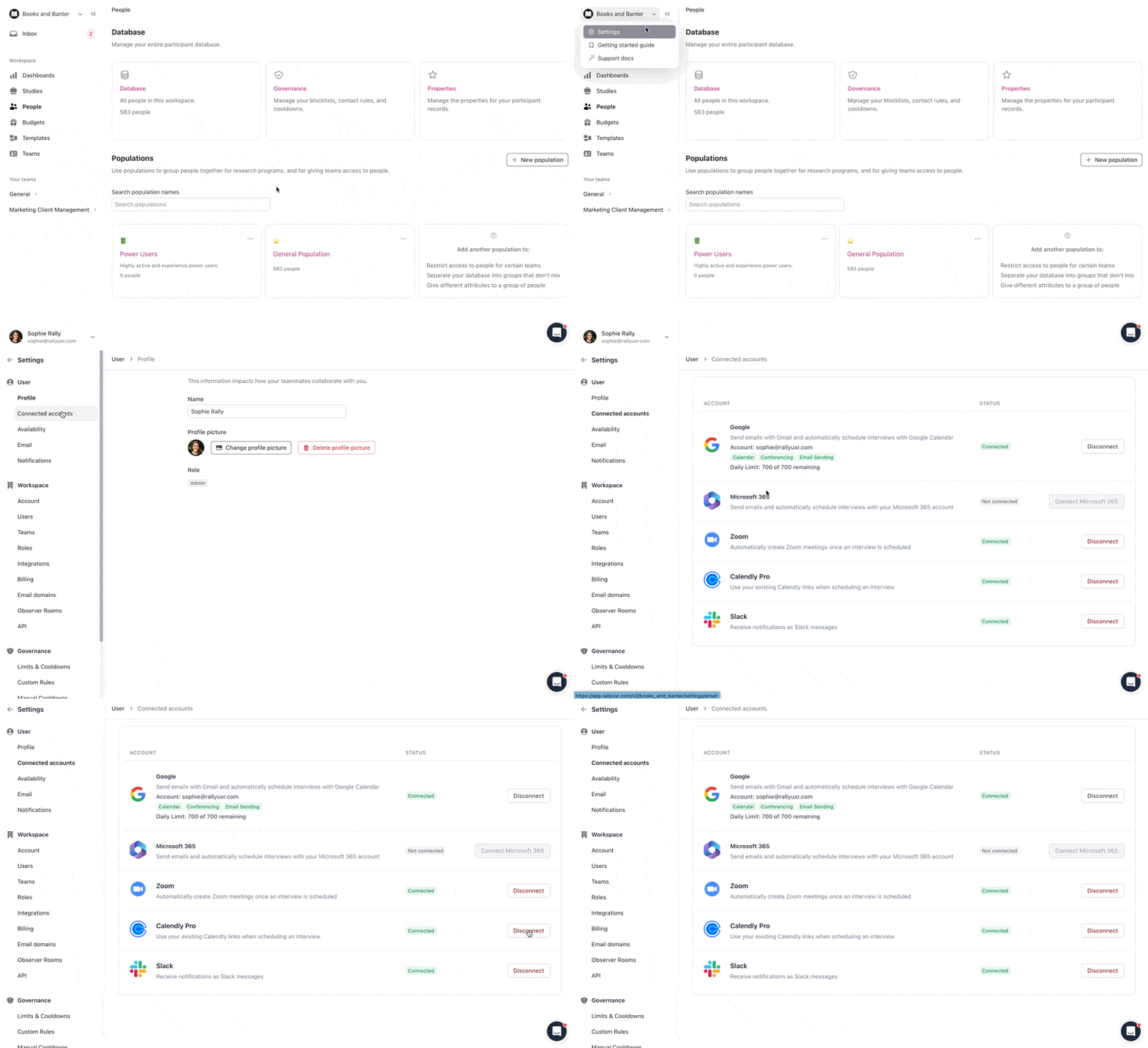
In the top left corner of Rally, select your workspace name and select Settings.
From the sidebar, select Connected Accounts.
Select Connect next to each account you plan to use with Rally and follow the steps in the popups. Complete steps are included in each section linked below.
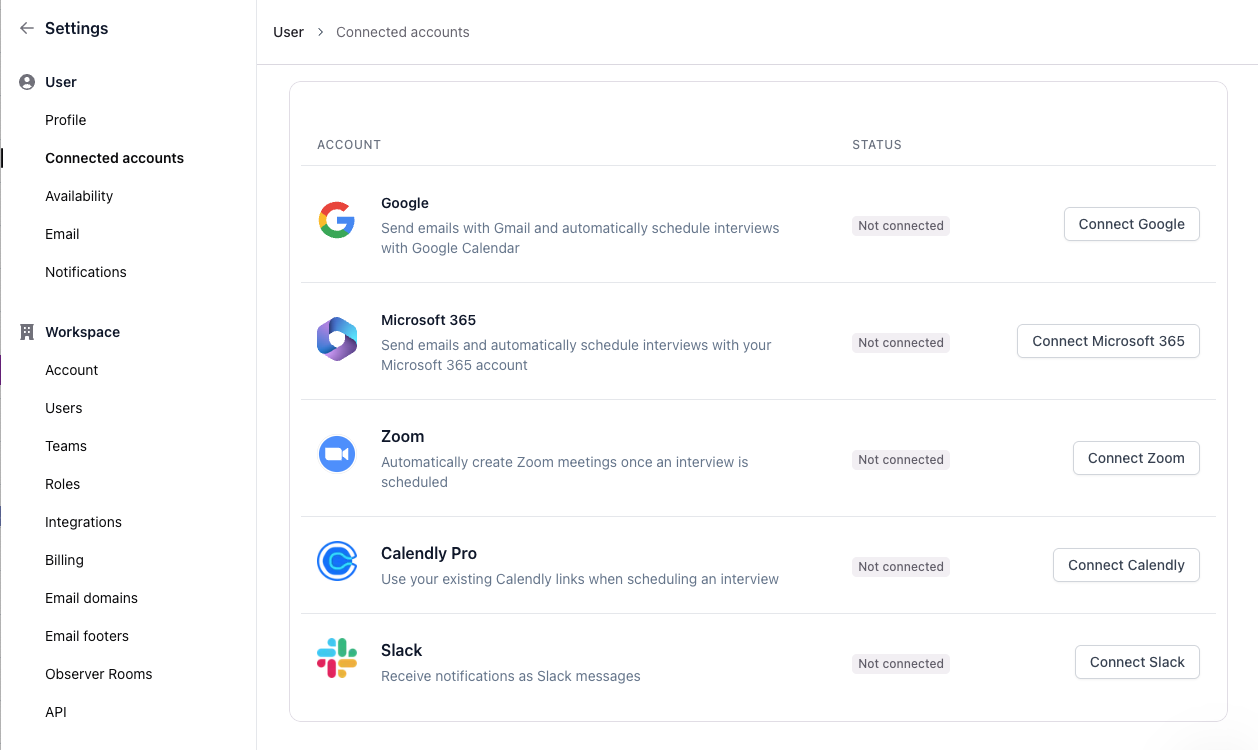
Connect your Google account to enable email sending, allow calendar functionalities, and use Google Meet for interviews.
Microsoft 365
Connect your Microsoft 365 account to enable email sending, allow calendar functionalities, and use Microsoft Teams for interviews.
Zoom
Automatically add a Zoom meeting once an interview is scheduled.
Calendly Pro
Enable participants to schedule interviews through your Calendly Pro account. Alternatively, use Rally's native Scheduling features for increased calendar, scheduling, and interview customization and management.
Slack
Stay informed about participant engagement in your Studies and Panels by receiving Notifications directly in your Slack app.