Rally Home Page
Last updated: October 7, 2026
Your home page in Rally gives you immediate access to your most important work and provides quick navigation across your workspace. This centralized dashboard helps you stay on top of upcoming interviews, active studies, and enables fast site-wide search.
How it works
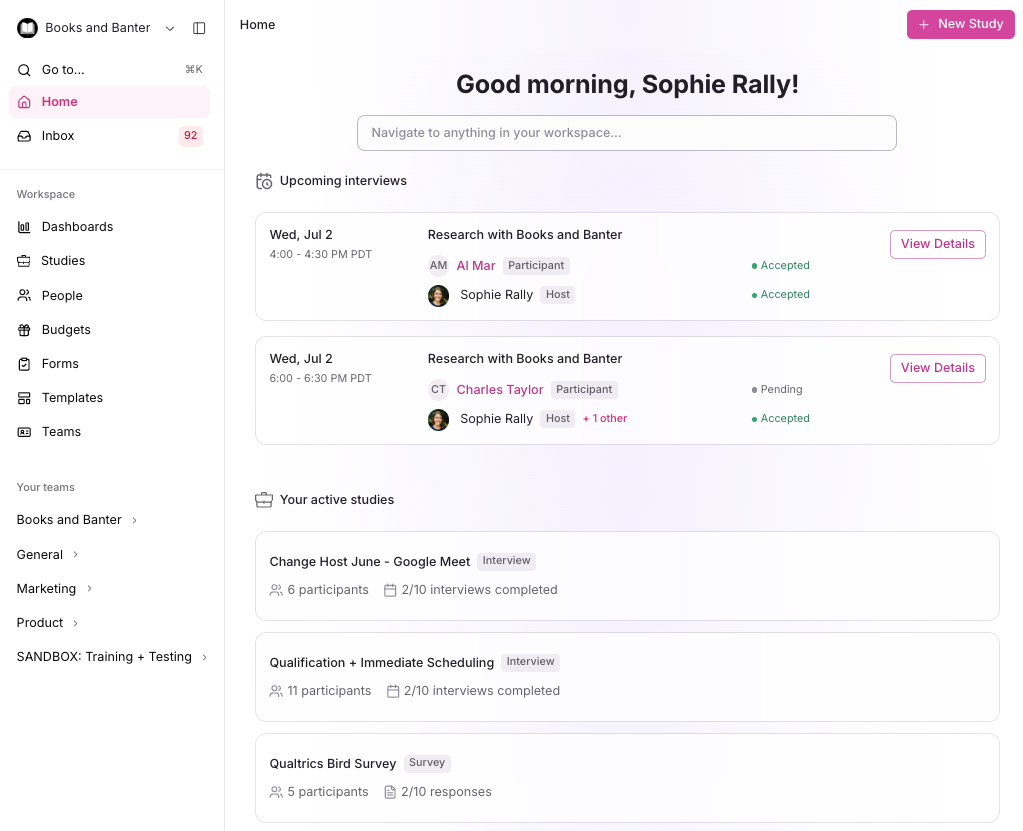
The new home page displays three main sections:
Upcoming Interviews - See your scheduled upcoming interviews where you are a host, helping you prepare and stay on schedule.
Your Active Studies - Displays active studies you are an owner on (excludes draft and archived studies), giving you quick access to ongoing research.
Search Bar - Navigate across the entire site, or use it to quickly create a new study, create a study from a template, or create a signup form.
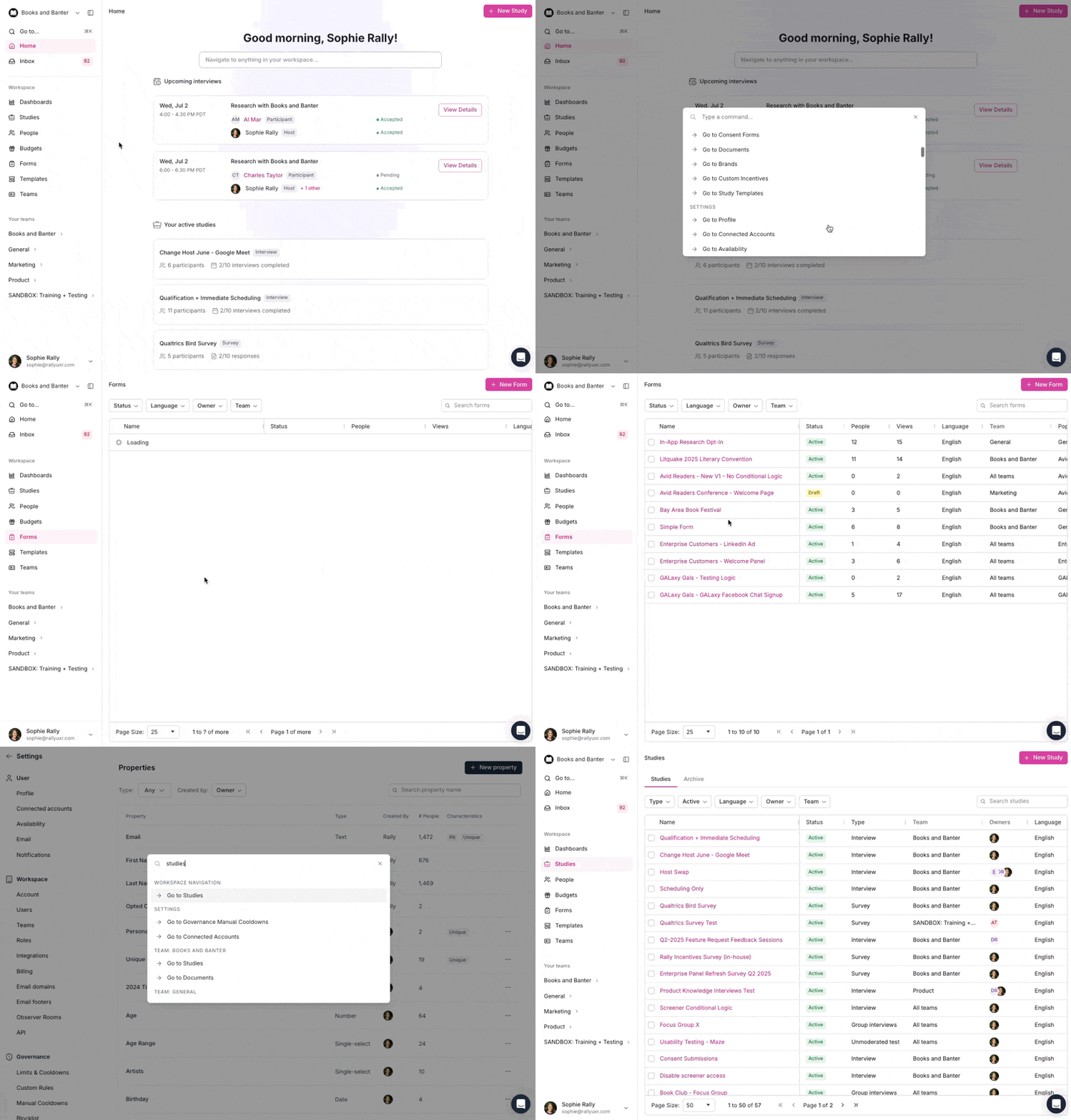
You can create a new study, start from a template, or create a signup form directly from the home page using the same actions available in the search bar (Command + K / Ctrl + K).
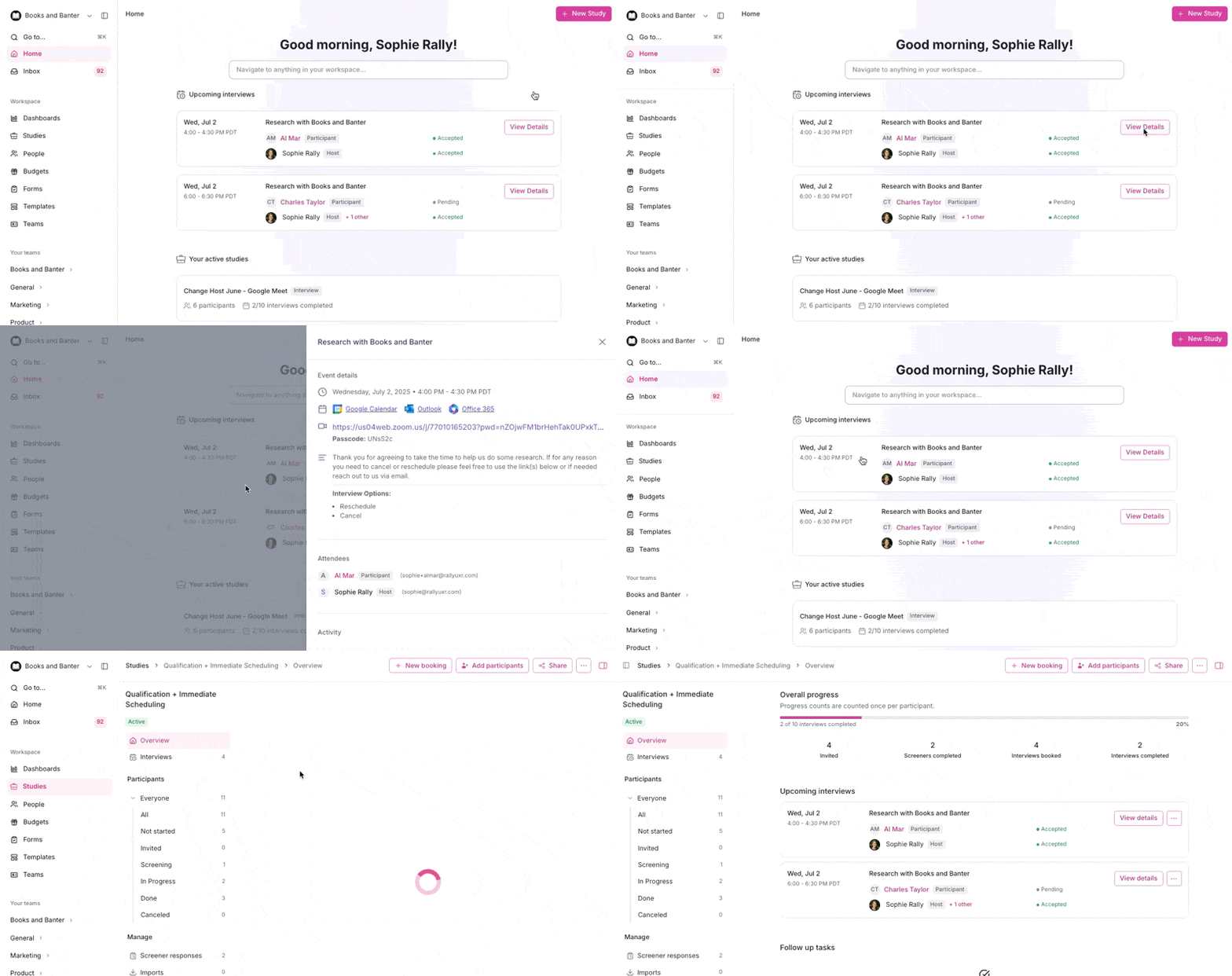
View upcoming interviews
Your upcoming interviews appear in the top section of the home page. You'll only see interviews where you are designated as a host.
Select any interview to view details or join the session. If you have no upcoming interviews, this section is hidden and it reappears automatically once you're scheduled as a host on one.
Access your active studies
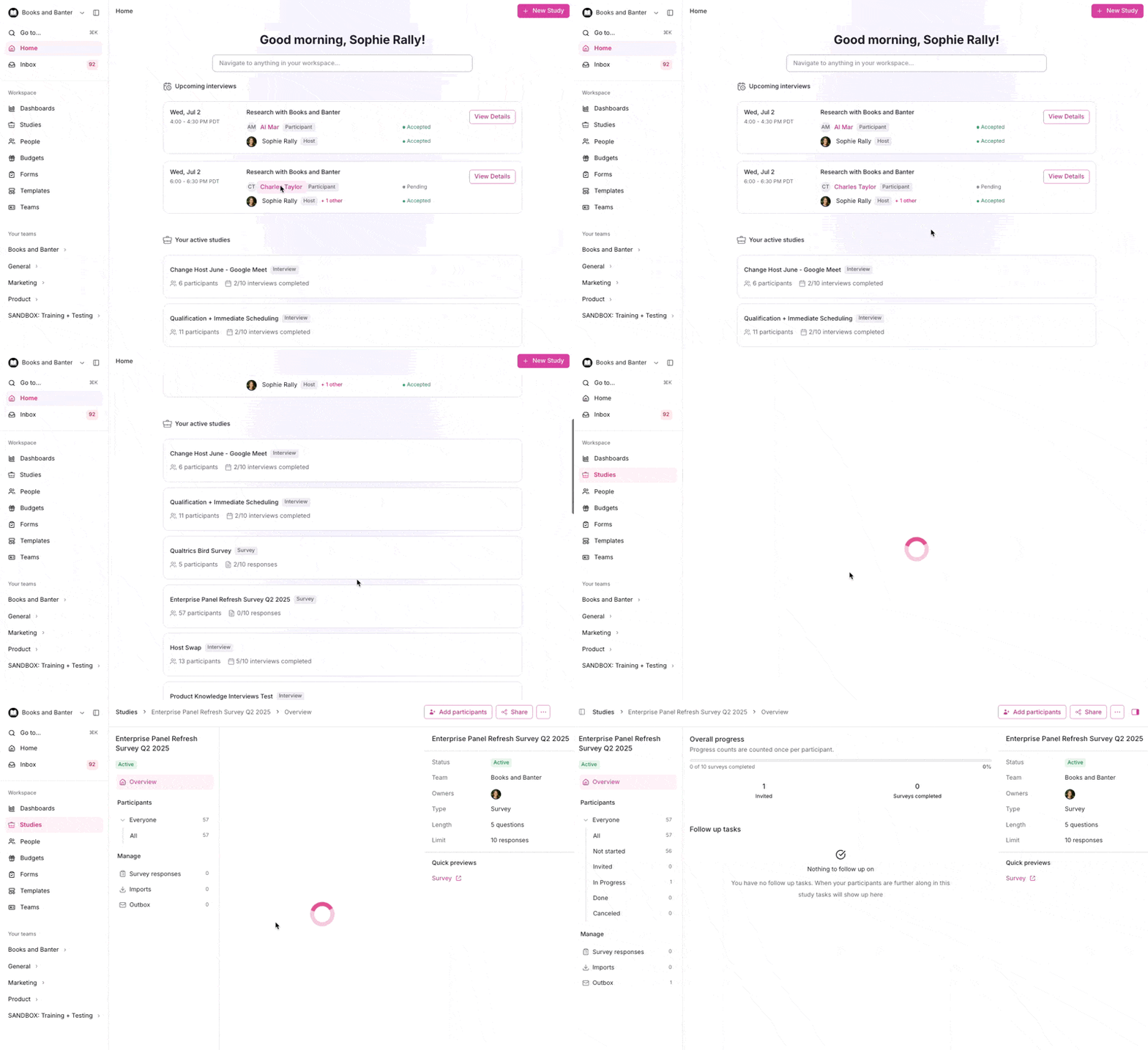
Active studies you own are displayed in the main section. Only active studies appear here - draft, paused, and closed.
Select any study name to open the full study details. If you have no active studies, this section is hidden until you launch or are added as an owner on one.
Search across Rally
Use the search bar at the top of the page or the left nav bar and type to search your workspace. Results will include studies, participants, forms, and other content, and allow you to quickly jump to specific pages in Rally. Use shortcuts to access search.
Use Command + K (Mac) or Ctrl + K (PC) to quickly access search from anywhere in Rally.